Integration Agents
Integration Agents are used to load data into the QuartzX platforms. In order to achieve this, you must first configure your Integration Agent in QuartzAdmin and then install the corresponding Integration Agent in your organization.
This article only explains how to create a Integration Agent. In order to load data into our applications, more configuration is necessary. For more information, please refer to this article.
In order to view and configure Integration Agents in QuartzAdmin, you must have the QX-Admin application role.
You can find a detailed article here on how to install a Integration Agent in your organization.
View all Integration Agents Modify an existing Integration Agent Create a new Integration Agent
View all Integration Agents
First, navigate through the side menu in QuartzAdmin and select Data Integration > Integration Agents.
You should now see a list of all Integration Agents already configured in the application. You can also use filters to find a specific Integration Agent or use the search bar to search by name.
Integration Agents list
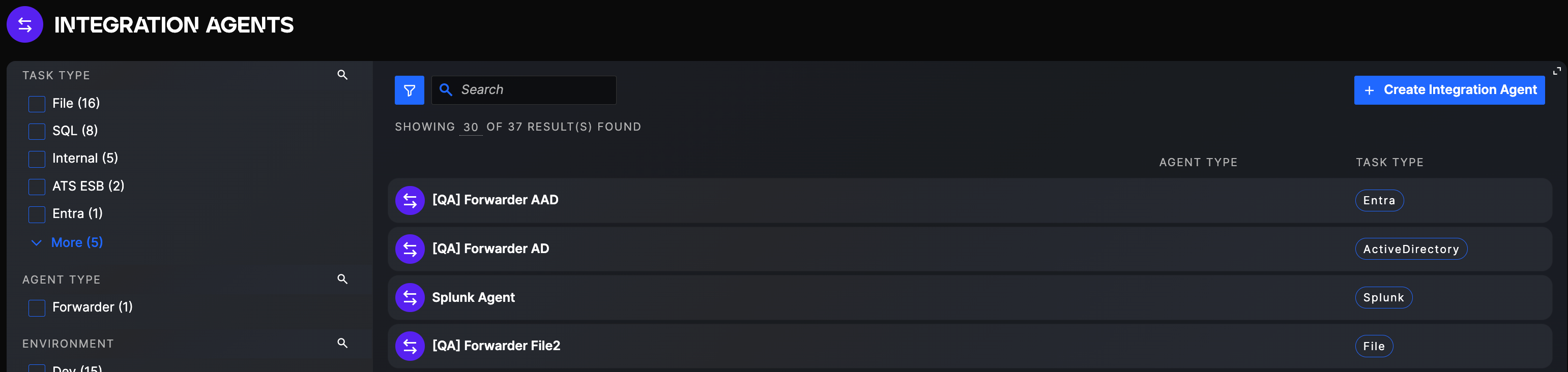
You can click then on any Integration Agent to see its' configuration details.
Integration Agent details
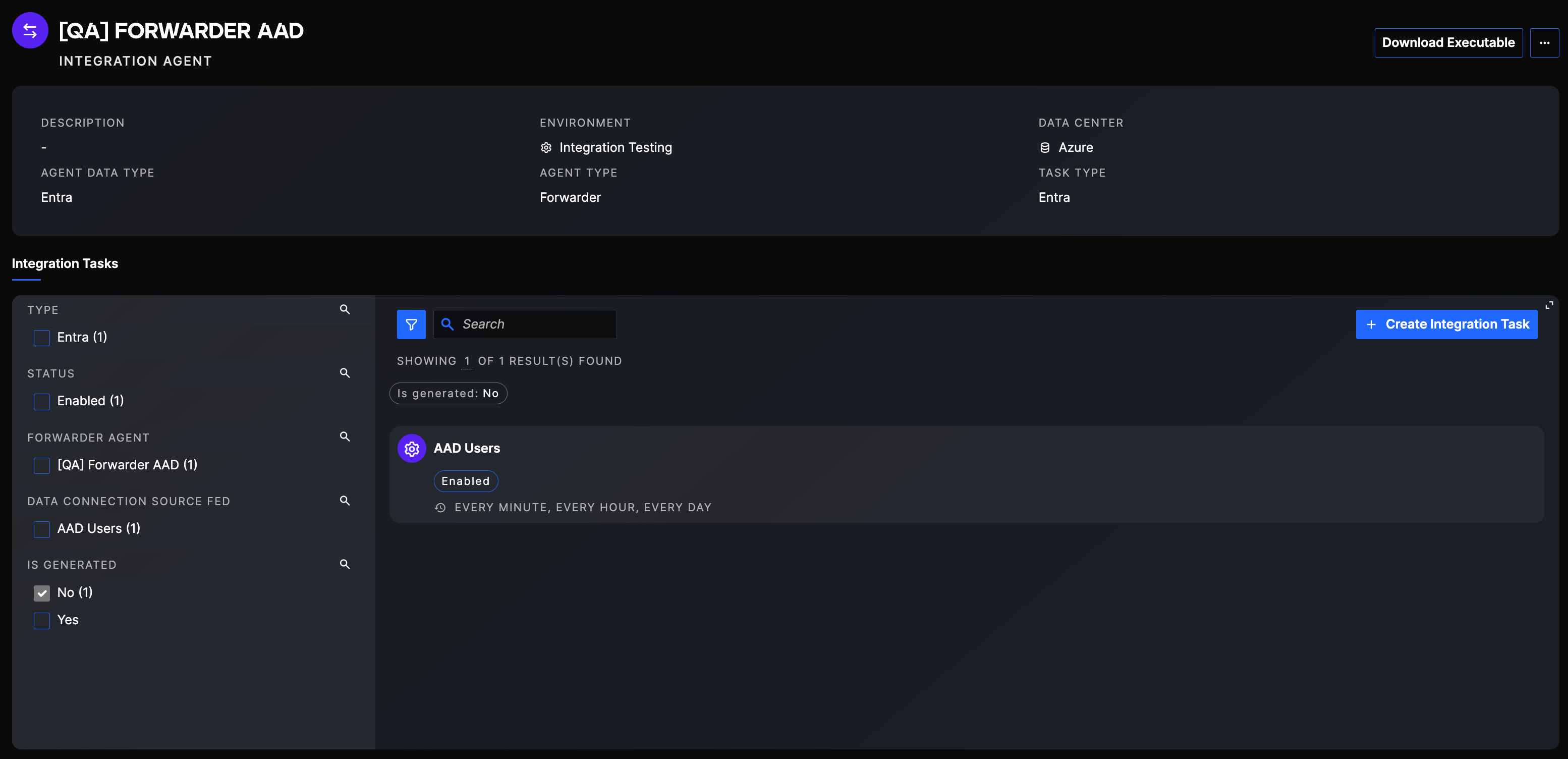
You can see the general information of the Integration Agent, its' technical information as well as all Job Configurations that use this Integration Agent.
Modify an existing Integration Agent
In order to modify an existing Integration Agent, you can navigate to the Integration Agent using the method described in the section above. On this page, you can generate a new API Key (to input into your Integration Agent config file), modify the general information and technical information, or directly create a Job Configuration.
You can find more details on Job Configurations in this article.
Create a new Integration Agent
In order to create a new Integration Agent, you can click on the Create Integration Agent Button in the Integration Agents section.
Integration Agent creation button
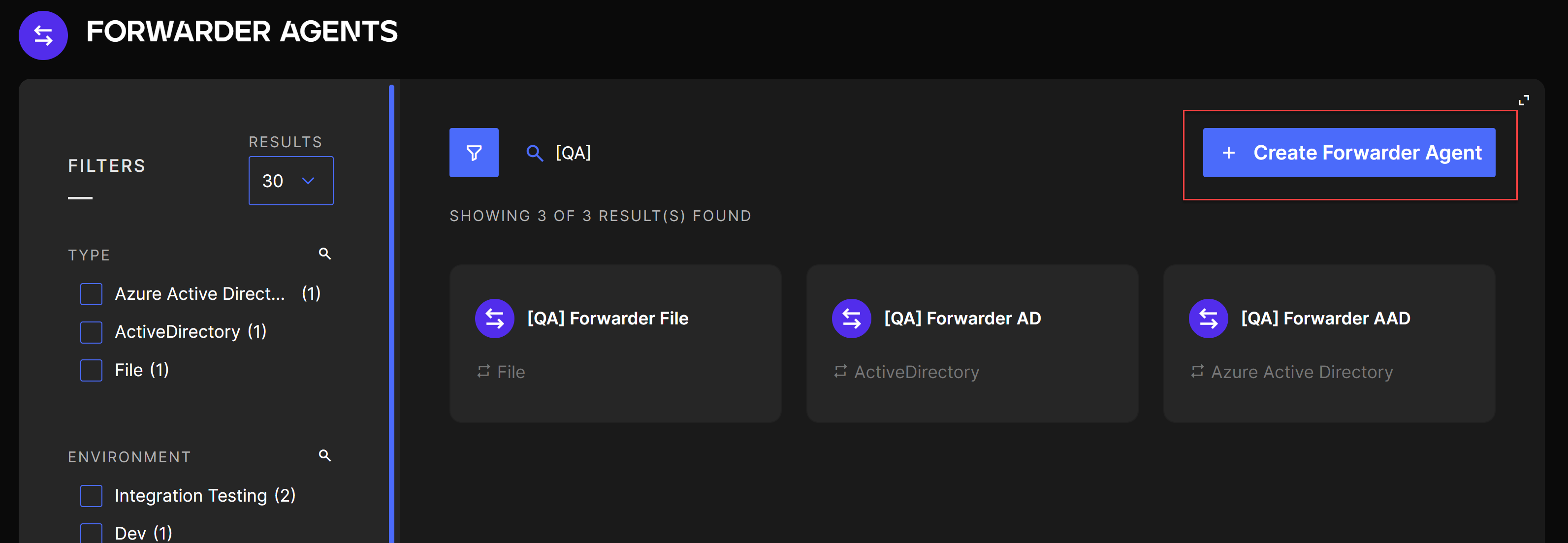
The creation button will take you through the steps necessary to create the Integration agent:
- General: this step allows you to configure the name and description of the integration agent. This will help you identify the forwarder agent but can easily be updated after creation.
- Integration type: you can choose here which type of integration agent you want to create, depending on the data you are trying to retrieve (CSV file, XML file, SQL database, ...). All supported Integration types are specified in the detailed article here.
- Technical information: you can choose here the environment of the integration agent and the data center. This information is just indicative.